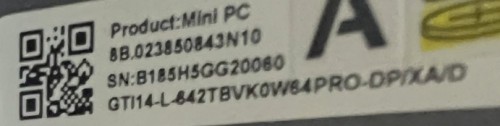
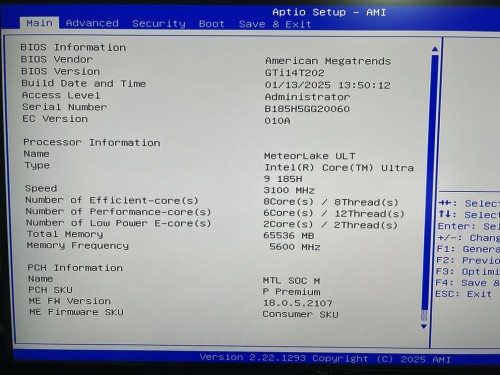
Hi,
I have three monitors (1 usb-c, 1dp, 1hdmi). Connected them to the dock (dock firmware updated), connected dock to HP laptop - laptop sees all three monitors. So the dock works and the tb4 cable is good.
Disconnected dock from laptop, connected to back TB4 port on GTi14 - nothing. Tried restarting/un-plugging/plugging back in, etc. Nothing.
All monitors are connected to power directly. All work correctly when plugged in directly into gti14. All three show “no display detected” when connected to dock and dock is connected to gti14.
I have applied “New–Thunderbolt-firmware–ASM2307MPTool_v2013” as per “GTI14-Thunderbolt-Firmware-update-tutorial-.doc” (and rebooted).
What else can I try?