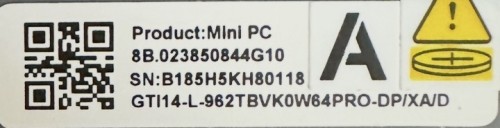
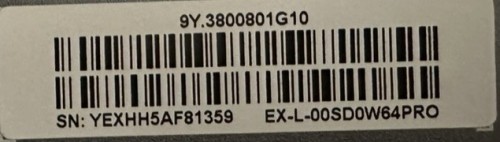
Beelink CS-Yvette Thanks for feedback
Drives installed
I tried switching [Primary Display] between AUTO and IGFX, but no results.
Playback sequence (for various combinations of [Primary Display] (Auto/IGFX) and [PCI Express Root Port PXPF] (Auto/Gen3/Gen4/Gen5)):
1) PC and Docking EX Pro are turned off, the monitor is connected to the external graphics card’s DP port.
2) Turn on the Docking EX Pro.
3) Turn on the PC.
4) Repeatedly press the Delete key.
No image appears on the monitor (it’s in sleep mode).
5) If I reboot (Ctrl + Alt + Del) after a while, the PC will start Windows OS. When the OS loads (login screen), the monitor wakes up and an image appears.