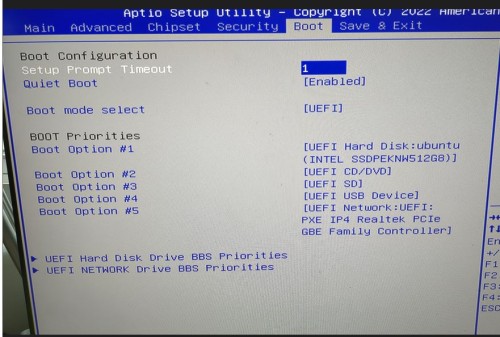
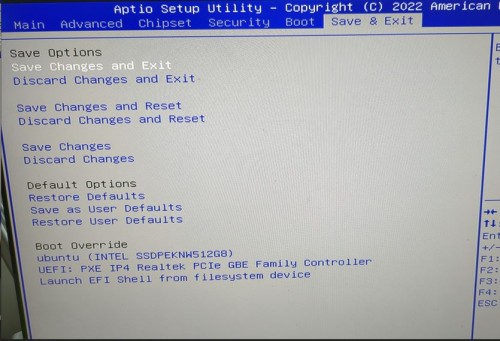
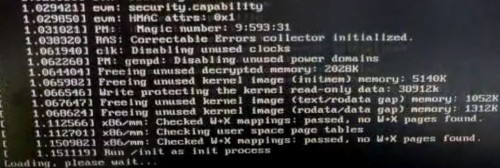
sooooo, I figured it out, it was my power supply. I’m not sure why, but I tried another power supply with the same power barrel size and I can boot up windows, linux, its all good. My old (bad) power supply allowed the computer to start booting, the boot would fail, but the power light remained on, and I could power the computer off and on and that worked ok, but all boot up try’s eventually failed.
Now two things:
With all the testing I was doing, I messed up the sata cable labeled L on one and and M on the other, where would be a good place to get a replacement? This is the cable used for the hard drive/ssd connected on the bottom lid of the computer
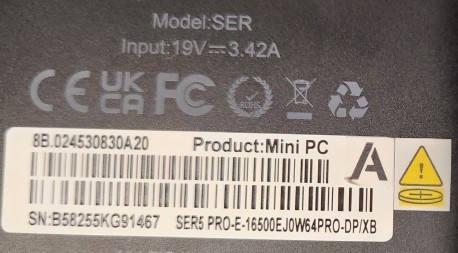
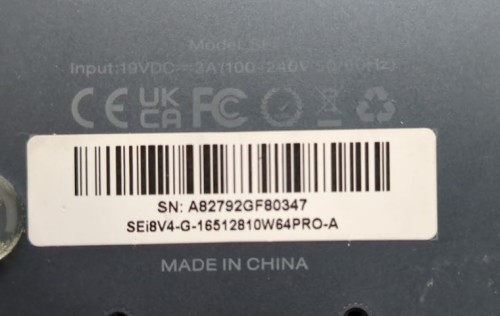
My existing (bad) power brick is 19V, 3 A. The only spare I had laying around is 19V, 2.37 A. Could you please verify for me the power requirements for my SEi8V4? (do I need to buy a new one?)
Thanks for your help on this….it’s been interesting