AndyW
Hello there,
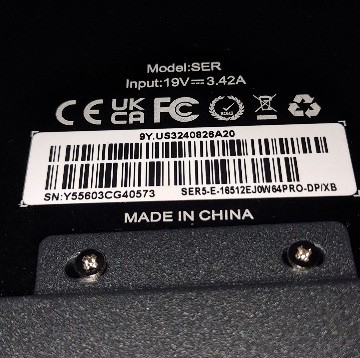
Could you please send us a picture of SN code at the bottom of machine ?
Here are the possible solutions:
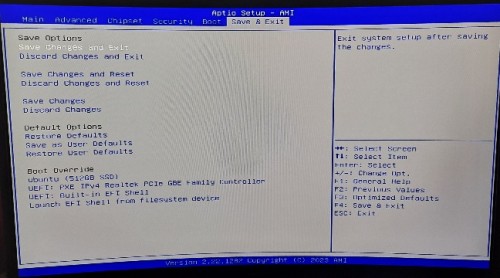
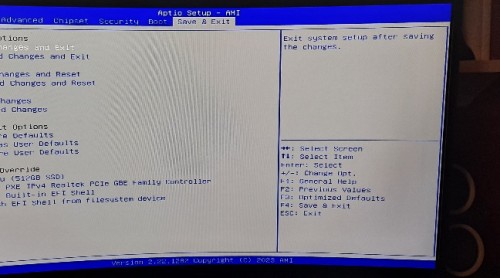
①Please press delete key as soon as you restart the PC, so that you can go to BIOS. Then go to boot page, set SSD as the first option. Please also send us a picture of the page of Safe&Exit.
②Please take out the SSD and reseat it securely.
③Please reinstall the system.
It is recommended that you can go to Microsoft official website to download the corresponding win11 PRO system file to install, this is the tutorial: https://url.bee-link.cn/74zu
Please remember to backup the data.
Have a nice day~