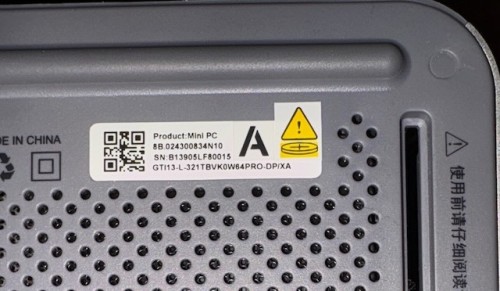
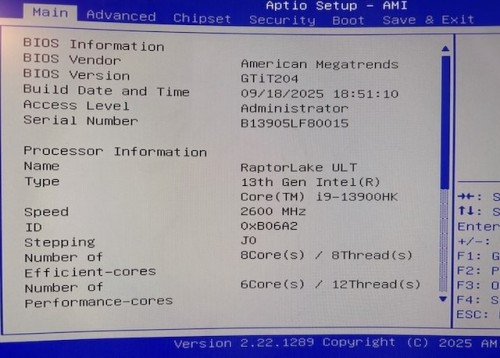
Yes - after I posted I decided to go to support.
They had me try and downgrade the BIOS which didn’t resolve the problem.
I did after some additional searching on the web figure out, on my own, where in BIOS to enable the Firmware TPM found in the Intel Architecture since there is no physical TPM chip in the GTi13.
So for anyone who experiences the same issue I did:
Go into BIOS.
Go to the Advanced Menu.
Choose the PCH-FW Configuration selection.
Choose the PTT Configuration selection
Change the TPM Device Selection from dTPM to PTT.
You’re system will now recognize that you have a TPM setup.