tmar
Hello there,
1、You can try to clear CMOS : Please turn off the PC , unplug the power supply and HDMI cable , and press the CMOS pinhole for about 10 seconds. Ten minutes later, plug the power supply and HDMI cable, turn on the PC again.
Here is the tutorial :https://mega.nz/file/XypwTISY#DVT0BsjOgiPkZ-drQaj88JH9Z7f7qpKGP2E3nMHW8ms
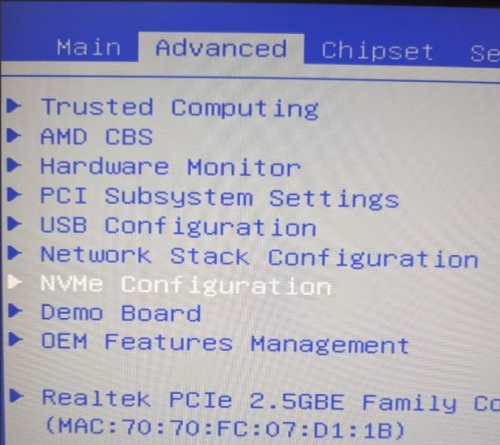
2、Our technicians suggest that you can access the BIOS to reset the key in an attempt to solve the problem: Enter BIOS - Security → Reset Secure Boot Keys → Reset to Factory Default
When attempting to reset the key, please make sure to disable the Secure Boot and set the Secure Mode to Custom.
Have a nice day~