Seifz Sorry for the inconvenience.
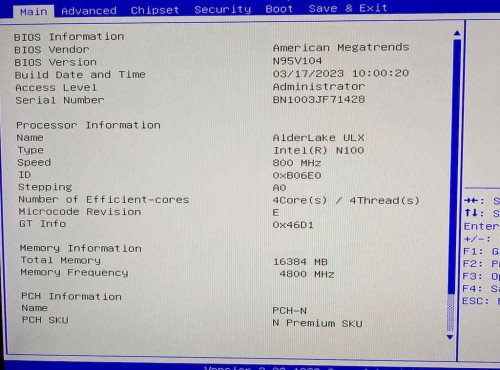
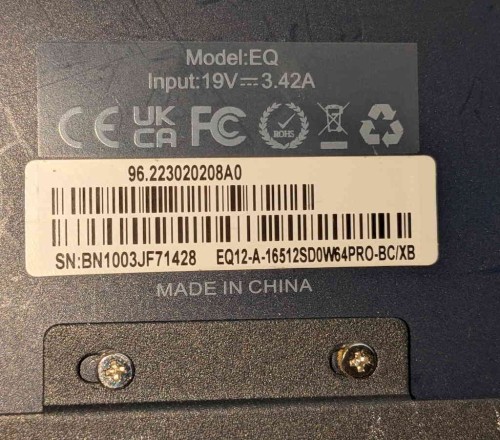
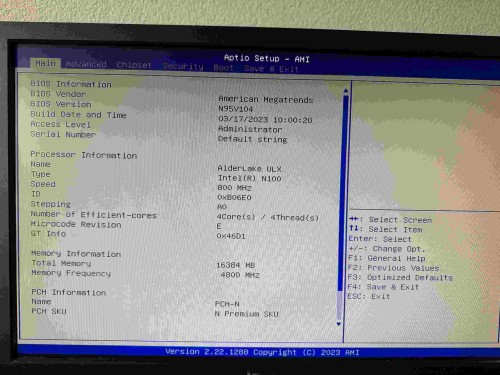
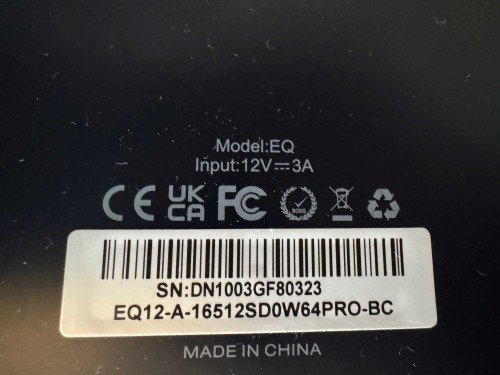
Please repeatedly press the delete key as soon as you turn on your PC and go to the BIOS. Please send us a picture of the Main page, we will check if you need to update the BIOS.
Besides updating the BIOS, you can also check the PCIe lane configuration in the BIOS.
After entering the BIOS, find “Advanced” → “PCIe Configuration” (or a similar “Device Interface Configuration” option). Check if there is a “PCIe Lane Speed” or “Channel Mode” setting, and confirm if it is mistakenly set to ×1. If so, manually adjust it to “×4”, save, and restart.