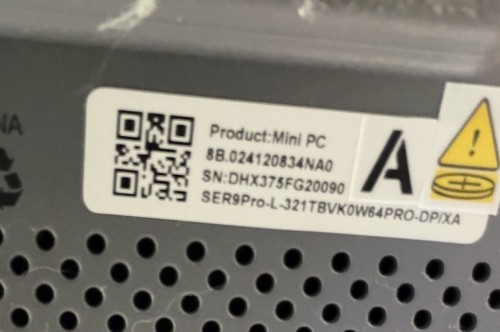
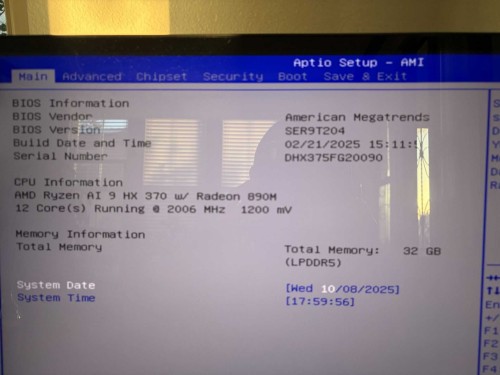
Beelink CS-Lynn
hi, done it:
Beelink CS-Sylvia Restart the device. When the circling appears, press the power button for 5 secs until the device shuts down. Repeat this process two or three times.
When you see the repair page, choose Advanced options, go to Troubleshoot - Advanced Options - Reset this PC.Choose to keep your files and apps, just your files or to keep nothing
i have uninstalled the card from device manager.
I could not choose advanced options , it did everything automatically (windows 11) , I could not choose whether to keep files and apps. it did it by itself, now it works, … hopefully for more than 2 days …
thank you