liam77 Here are a few possible solutions you can try:
Change USB port and cable: Try plugging the USB flash drive into a different USB port on your computer. Sometimes certain USB ports can have compatibility issues. Additionally, using a different USB cable (if applicable) can also rule out any issues with the cable itself.
Please uncheck the save energy in the device manager—universal serial bus controller–USB hub—properties–power management—uncheck “Allow the computer to turn off the device to save power”
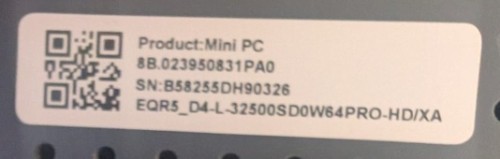
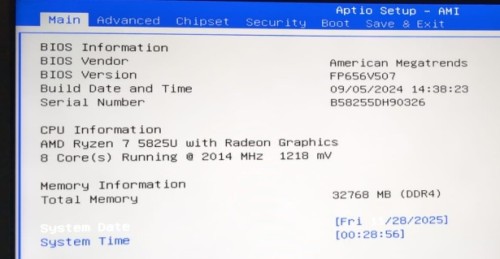
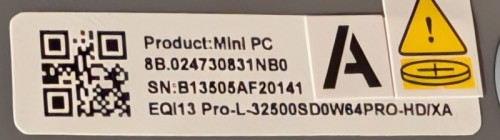
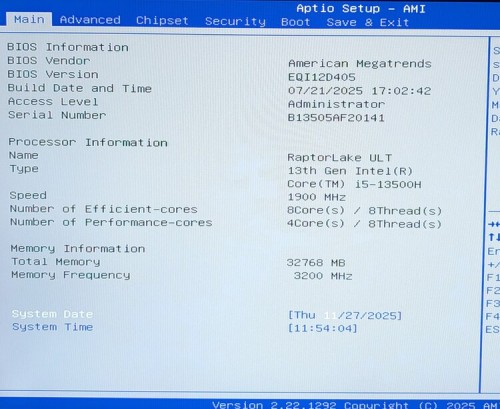
Please repeatedly press delete key as soon as you turn on the PC, go to BIOS. Please send us a picture of the Main page, we will check if you need to update the BIOS.